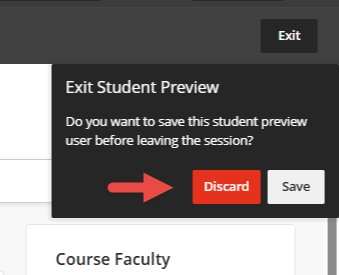
Exit Student Preview in Blackboard Before Submitting Grades
If your student preview user is enrolled in your grade book, you will need to discard it prior to submitting your grades to Banner.
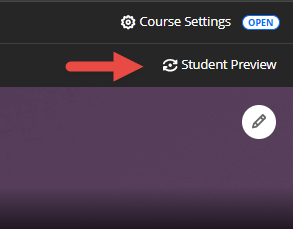
1. Enter student preview mode at the top right corner of the page.
2. Exit student preview mode.
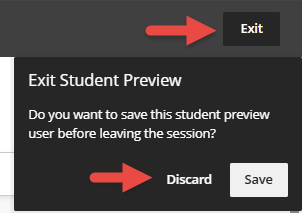
3. Discard the student preview user when exiting student preview. The Discard button will turn red when you move your mouse pointer over it.